


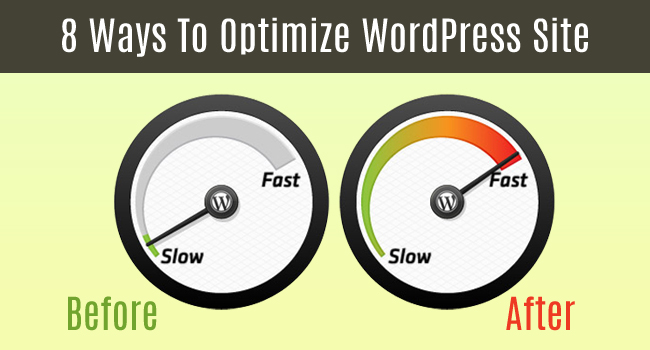
When you are creating a website, it is important to consider its loading speed because it can make or break your online business. Experts believe that faster sites get more visitors as compared to slower sites. Website Optimization for speed and performance will lead to a positive change.
Now, Suppose that you have two sites: site “A” and site “B” and you click on site “A” which shows page loading for long & after that you visit site “B” which opens in a flash second. So, your preference is self-evident.
Website speed & performance also has a direct impact on the Search Engine Rankings. But most important question is how to Optimize WordPress site? Here are 8 Quick Tips that helps you to optimize your WordPress website and make it load faster.
Before you move ahead, I recommend measuring the current performance of your site. You can use tools like GTMetrix, or Google PageSpeed Insights to check how your site scores.
1. Use Caching Plugin
Caching Plugins plays one of the lead roles in determining the Site speed. These are actually helpful to gather all the information of the visitors of your site.
WP Super Cache and W3 Total Cache are the most Popular Caching Plugins that you can use to Speed up your Website.
2. Host Static files externally
Host some of your static files externally because web browsers only download two files from a single domain. Using multiple domains you can increase the number of files that can load at one time. If you can’t host files externally, you can use secondary or sub-domains which also improve load times.
3. Remove Slow Plugins
Plugins are one of the main reasons for slow wordpress websites. If you install plugins without any analysis, you will confront performance issues.
It’s a great idea to delete plugins from the site that you aren’t using. Even when deactivated, you need to remove them from your WordPress site because deactivated plugins also occupy space and slows down your site.
4. Use a good, well-coded Theme
Like plugins, Themes can also affect the loading speed of the site to an enormous degree. A WordPress theme that is not coded appropriately, or uses too many images, will add unnecessary weight to your website and this may increase the page load time, which is dangerous.
You should always try to choose a well coded quality theme which is light weight and have a speedy loading time.
5. Fine Tune Your Content
You can also speed up your WordPress site by reducing the amount of unused, unnecessary and slowing content on the page and feeds. Reduce the number of posts on each page as well as remove unused widget areas from your theme.
6. Optimize your Database
Database Optimization also improves the site loading speed to a great extent. Actually, each time you exclude unnecessary contents and comments, dead spaces get created in your database. Furthermore, regular use of your site frequently abandons some under-utilised space.
All these issues can be resolved by database optimization at least once a month, on a regular basis.
7. Choose a Good Hosting Provider
A quality hosting provider is one of the most essential elements to speed up the site because if your site is not hosted on a good server you won’t get great results.
So make sure that you get hosting from a recommended hosting provider for your online business.
8. Take care of security
Your site security is also an important aspect because if it is hacked or under attack then it won’t matter how much you optimize your site. Keep your WordPress themes & plugins up to date. Utilize a host with great security.
If you follow all the above WordPress Optimization tips, you will surely see changes in loading speed of your site to a huge extent. You should always try to keep your website’s loading time within 2-3 seconds.
If you have any related query or suggestion please share it by leaving a comment below or Contact us at hello@tech9logy.com